Pay once · Offline · No subscription

PDF tables → Excel on your PC. $29 once.

Drop PDFs. Get Excel. Two engines plus OCR catch each table. Every table gets a grade and a preview you keep. Files stay on your PC.

Disclosure before price: Some links may earn a commission at no cost to you. Prices checked Aug 30 2026. Disclosure · Privacy · Checkout manifest

Pay once, keep it · 14-day money back · Files stay on your PC · Source: STORE_LISTING.md Aug 2026

Proof first — then price

See it run. Then decide.

Watch 15 seconds. Open two real samples. Check the grades. Then see the $29.

15 second demo: batch PDF tables to Excel — offline folder to done
15s batch — folder of PDFs → .xlsx + preview.html. Files never leave your PC. View GIF · Source: products/pdf-tables-excel/demo/batch-demo-15s.gif
Open HIGH preview → Open LOW preview →

HIGH is digital text. LOW is scan with OCR. Both are real engine outputs. Source: STORE_LISTING.md + RECEIPTS.md

Inside the download — what you get

Inside the download. Install in 3 steps.

Inside the download (buyer ZIP)

Source: products/pdf-tables-excel/PACKAGE_MANIFEST.txt — v1.0.0 buyer pack

  • tables.py — app: window + CLI, same engine
  • install.bat — one-time setup, pins camelot-py==0.11.0, opencv-python-headless==4.10.0.84, openpyxl==3.1.5, pypdfium2==4.30.0, pytesseract==0.3.13, pillow==12.3.0
  • README.md — quick start + honest limits
  • LICENSE, THIRD_PARTY_NOTICES.md, PACKAGE_MANIFEST.txt, STORE_LISTING.md, RECEIPTS.md
  • examples/README.txt — 5-min starter
  • licenses/ — 5 texts: camelot-py, opencv-python-headless, pypdfium2 PdfiumThirdParty, Pillow 12.3.0, pytesseract
  • demo/ — 6 real files + batch-demo-15s.gif (HIGH + LOW samples)

Install in 3 steps

  1. Double-click install.bat once. It builds .venv with Python 3.10+ and exact pins. Net needed for this step only. Then offline.
  2. Start: .venv\Scripts\python tables.py (window) or run:
    python tables.py invoice.pdf
    python tables.py "C:\statements" --out-dir done
    python tables.py scan.pdf --ocr
    python tables.py report.pdf --pages 2-4

    Source: products/pdf-tables-excel/README.md

  3. Open preview.html first. Check grades HIGH/MED/LOW. Then open .xlsx.

Optional free helpers: winget install ArtifexSoftware.GhostScript for lined-grid mode; winget install UB-Mannheim.TesseractOCR for OCR. Without them, spacing mode still works. Source: README.md + install.bat

Version v1.0.0 — pins in install.bat, notes in THIRD_PARTY_NOTICES.md + licenses/. Needs Python 3.10+. Source: STORE_LISTING.md + README.md v1.0.0

Active catalog — 1 tool

One tool that does one job right.

pdf-tables-excel
$29 once

Turn PDF tables into .xlsx on your PC. Use two engines plus OCR. Get a grade on each table plus a preview.html. Work offline.
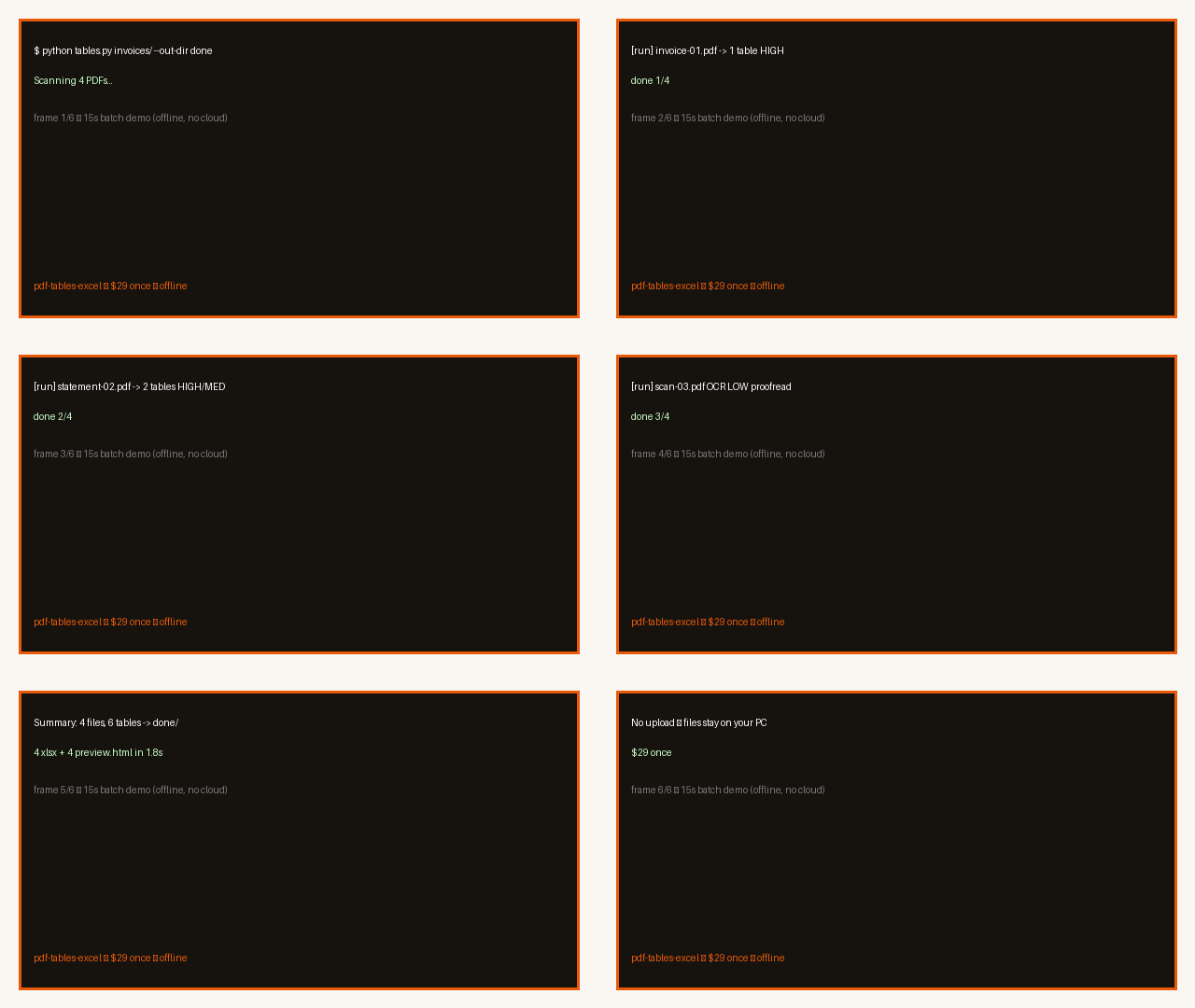
15 second demo: batch PDF tables → Excel — offline folder to done folder
See it run — folder → done. Source: demo/batch-demo-15s.gif

Grade: HIGH/MED/LOW per table. OCR always LOW. Source: STORE_LISTING.md v1.0.0

Source: products/pdf-tables-excel/STORE_LISTING.md — $29 once, 14-day refund.

checkout-manifest.json — checkout is fail-closed. No live link until rail is real. Factory maker → · Compare vs Adobe →

How shop works

1 — See proof

Open the demo. Open HIGH and LOW samples. Read the grades.

Source: demo/ + STORE_LISTING.md

2 — Check the file

Read disclosure above price. Check honest limits before you buy.

Source: disclosure + honest limits section

3 — Pay when live

Manifest holds the link. Today it is BLOCKED. No charge now.

Source: checkout-manifest.json BLOCKED

Honest limits — read before you pay

Pay $29 once. Use on your PCs. Get 1.x updates.

Grade on each table: HIGH ≥90, MED 70–89, LOW rough or OCR.

Scan needs free Tesseract. Every scan is LOW. Proofread each number.

14-day refund. No forms. Use the store message button.

Source: products/pdf-tables-excel/STORE_LISTING.md — $29 once, grades HIGH/MED/LOW, OCR always LOW, 14-day refund. Version 1.0.0

Will this look AI?

No — offline tool, real previews. See the files. Judge your own PDFs.

Will this look AI?

No — offline tool, real previews. Open the 15s GIF. Open HIGH and LOW xlsx plus preview.html. You see real output before you pay. Source: demo/ batch-demo-15s.gif + STORE_LISTING.md

Do files leave my PC?

No. Run on your PC. No upload. No account. No Gmail read. Source: STORE_LISTING.md FAQ 2

What is the refund?

14 days. No forms. Send a store message. Source: STORE_LISTING.md FAQ 5

Compare vs Adobe → · Manifest BLOCKED